

Tech
I’ve Tested a Lot of Bad, Cheap Laptops. These Ones Are Actually Good

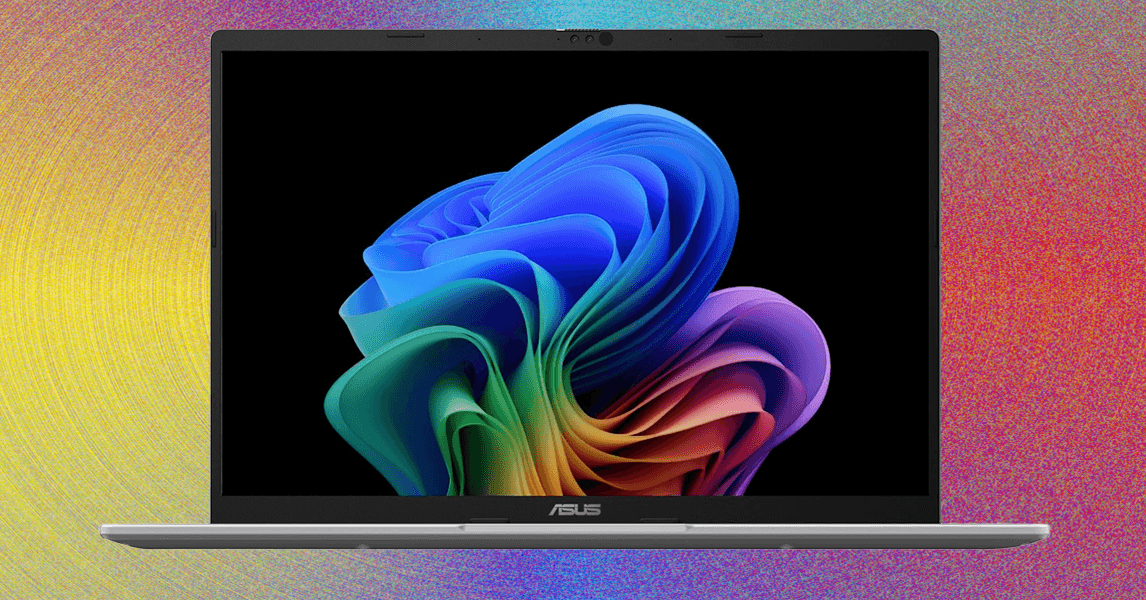
Compare Top 12 Budget Laptops
Other Budget Laptops to Consider
Photograph: Daniel Thorp-Lancaster
The Acer Chromebook Plus Spin 714 for $750: The Acer Chromebook Plus Spin 714 (9/10, WIRED Recommends) checks a lot of boxes. It has a surprisingly premium feel for such an affordable machine, and the keyboard and trackpad are excellent for those of us who type all day long. It also has one of the best displays I’ve seen on a Chromebook, with fantastic colors that pop off the glossy touch display. It’s just a bit too expensive compared to something like the new Lenovo Chromebook Plus 14.
Acer Swift Go 14 for $730: The Acer Swift Go 14 (7/10, WIRED Recommends) has a chintzy build quality, a stiff touchpad, and lackluster keyboard backlighting, but it’s hard to beat the performance you get at this price. There’s also an array of ports that make it very versatile, including a microSD card slot. The Intel Core Ultra 7 155H chip with 16 GB of RAM makes for a surprisingly powerful punch when it comes to productivity work, and our tester noted decent results in AI tasks as well. We averaged 11 hours in our battery test (with a full-brightness YouTube video on loop), which is respectable.
Acer Chromebook Plus CX34 for $260: If you want to stand out from the crowd a bit and don’t need Windows, the Asus Chromebook Plus CX34 (7/10, WIRED Recommends) is the best-looking Chromebook. When I got my hands on the CX34, I was impressed by its beautiful white design that stands out in a sea of gray slabs. It’s not left wanting for power, either, with the Core i5 CPU inside offering plenty of performance to easily handle multiple tabs and app juggling.
What Are Important Specs in a Cheap Laptop?
Read our How to Choose the Right Laptop guide if you want all the details on specs and what to look for. In short, your budget is the most important factor, as it determines what you can expect out of the device you’re purchasing. But you should consider display size, chassis thickness, CPU, memory, storage, and port selection. While appropriate specs can vary wildly when you’re considering laptops ranging from $200 to $800, there are a few hard lines I don’t recommend crossing.
For example, don’t buy a laptop if doesn’t have a display resolution of at least 1920 x 1080. In 2025, there’s just no excuse for anything less than that. You should also never buy a laptop without at least 8 GB of RAM and 128 GB of storage. Even in Chromebooks, these specs are becoming the new standard. You’re selling yourself short by getting anything less. Another rule is to avoid a Windows laptop with an Intel Celeron processor—leave those for Chromebooks only.
Specs are only half the battle though. Based on our years of testing, laptop manufacturers tend to make compromises in display quality and touchpad quality. You can’t tell from the photos or listed specs online, but once you get the laptop in your hands, you may notice that the colors of the screen look a bit off or that the touchpad feels choppy to use. It’s nearly impossible to find laptops under $500 that don’t compromise in these areas, but this is where our reviewers and testers can help.
How Much RAM Do You Need in a Cheap Laptop?
The simple answer? You need at least 8 GB of RAM. These days, there are even some Windows laptops at around $700 or $800 that come with 16 GB of RAM standard, as part of the Copilot+ PC marketing push. That’s a great value, and ensures you’ll get the best performance out of your laptop, especially when running heavier applications or multitasking. Either way, it’s important to factor in the price of the RAM, because manufacturers will often charge $100 or even $200 to double the memory.
On Chromebooks, there are some rare occasions where 4 GB of RAM is acceptable, but only on the very cheapest models that are under $200. Even budget Chromebooks like the Asus Chromebook CX15 now start with 8 GB of RAM.
Are There Any Good Laptops Under $300?
Yes, but you need to be careful. Don’t just go buy a random laptop on Amazon under $300, as you’ll likely end up with an outdated, slow device that you’ll regret purchasing. You might be tempted by something like this or this, but trust me—there are better options, some of which you’ll find in this guide.
For starters, you shouldn’t buy a Windows laptop under $300. That price puts you solidly in cheap Chromebook territory. While these are still budget-level in terms of quality, they’re better in almost every way than their Windows counterparts of a similar price. A good example is the Asus Chromebook CX15.
If you want a Windows laptop that you won’t give you instant buyers remorse, you’ll need to spend at least a few hundred more. Once you hit $500 or $600, there are some more solid Windows laptops available, such as the Acer Aspire Go 14, though even there, you’re making some significant compromises in performance and storage capacity. These days, Windows laptops really start to get better in the $600-plus range.
Should You Buy a Chromebook or a Cheap Windows Laptop?
The eternal question. If you’re looking for a laptop under $500, I highly recommend that you opt for a Chromebook. I know that won’t be a possibility for everyone, as some have certain applications that require a Windows laptop or MacBook. If you do aim to get a Chromebook, make sure all your connected accessories and other devices are compatible.
Chromebooks give you access to a full desktop Chrome browser, as well as Android apps. While that leaves some gaps for apps that some may need, you might be surprised by how much you can get done without the need to install any software. Most applications have web versions that are every bit as useful.
While Chromebooks are most well-known as junky student laptops, the recent “Chromebook Plus” designation has filled in the gap between dirt-cheap Chromebooks and $800 Windows laptops. You’ll find some great Chromebook Plus options in the $400 to $600 range that have better performance and displays, while also looking a bit more like a modern laptop. The Lenovo Flex 5i Chromebook Plus is a great example of this. You can read more about the differences between Windows laptops and Chromebooks here.
Power up with unlimited access to WIRED. Get best-in-class reporting and exclusive subscriber content that’s too important to ignore. Subscribe Today.










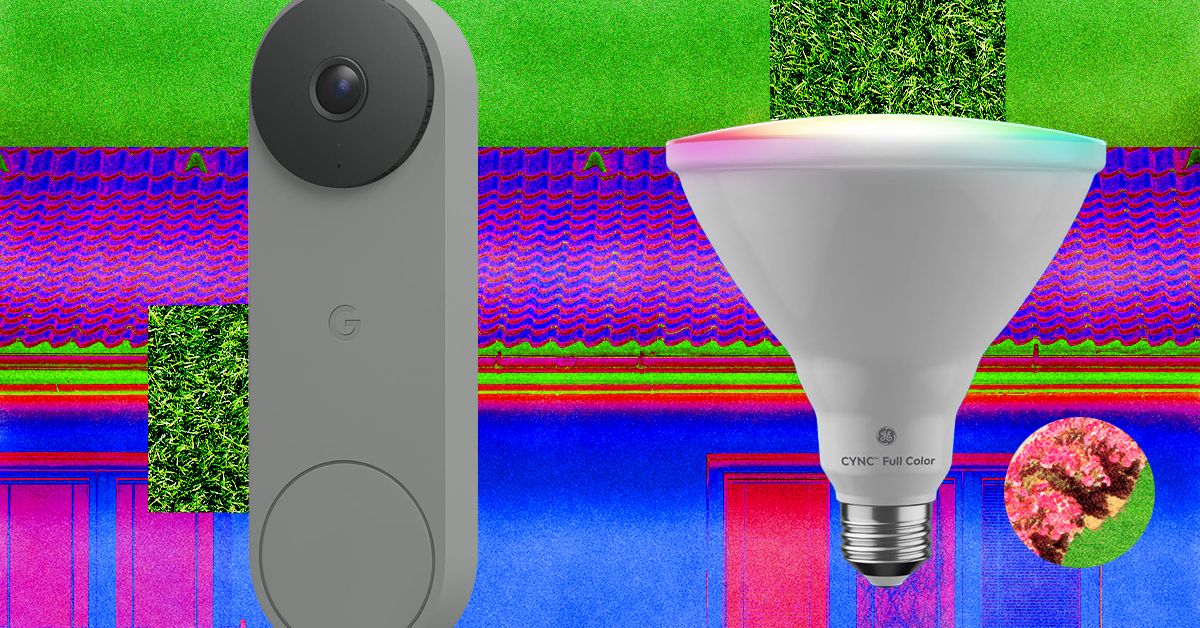
I tried the battery version, which does require you recharge it every couple of weeks, but the wired-in version is the top recommendation on our guide to the Best Video Doorbells.
A Better Birdhouse
I had a new-to-me problem this spring: bird invasion. A little bird made a nest in my front-door wreath without us noticing. One evening, my sister opened the door, and the bird flew out of the nest and straight into our house. After a 30-minute battle to get it outside again (and keep my cat from eating it), it wasn’t until we saw the bird fly off the door again the next day that we realized it was calling our home its home, too.
If this is a common problem at your house, our resident bird-gear tester Kat Merck has a solution: a smart nesting box. Birdfy makes a few different smart bird feeders we like for bird-watching, and the Nest Duo is a birdhouse that lets you watch the birds while they nest inside of it. It’s a slim, attractive box that will add to your front yard’s style while also packing two solar-powered cameras (one facing the entrance, one focused inside) so you can bird-watch from multiple angles. It comes with different hole sizes to appeal to different species, metal predator guards to prevent chewing around the hole, and a remote control to reset or recharge the camera without disturbing your feathered neighbors.
Stylish Smart Lights

Govee
Outdoor Clear Bulb String Lights
I’ve liked Govee’s smart outdoor string lights before, usually for my holiday decor, and have previously recommended something similar with a bistro-light-like look that happened to be smart. These clear bulb string lights are part of Govee’s current lineup and have a contemporary twist with a triangle in the center instead of the wire filament. These are a fun option for outdoor lights you can enjoy on warm nights, and they can do every color and shade of white without looking as bulky as permanent outdoor lights. (Added bonus, these lights are also Matter compatible!)
Fresh Bulbs

Cync
Smart LED Light Bulb, PAR38
If you have light fixtures you want to remote-control, add an outdoor smart bulb. There are tons to choose from, and you can usually find one from any brand you already have at home. The only downside is that outdoor-rated smart bulbs are usually 4.75-inch-diameter PAR38-style bulbs, so they’re best for downward-facing floodlights on your porch or balcony. They’ll likely be too big to fit in a wall fixture as a replacement for a normal-sized bulb. Don’t just grab any smart bulb—not all are outdoor-rated. Check for mentions of outdoor use and waterproof ratings to make sure they’re safe to use. I’m a big fan of Cync bulbs, and the brand has an outdoor version of the Cync Full Color bulbs I like to use indoors. You’ll be able to add fun colors as well as shades of white, so you can turn the porch a spooky orange or red for Halloween, pink for Valentine’s Day, or the colors of your favorite sports team on game day.
Remote-Controlled Garage
If your garage is the centerpiece of your home’s curb appeal, you can control it as easily as a smart door by adding a smart controller. You can do two different styles: I have the Chamberlain MyQ professionally installed smart garage opener, which means the device that controls my garage has these smarts built into it (plus a camera, but I find it doesn’t work great with how far the device is from my Wi-Fi router), or you can get a smart garage controller that can add smart features onto an existing garage door. Both let you check whether the garage is open or closed and operate it remotely, and you can add a video keypad that doubles as a video doorbell and can let you open or close the garage without your phone.
Smart Shades
The front of my home faces west, so it’s absolutely baking at the end of the day. What I need to add are some of our favorite smart shades to automate closing the shades on that side of the house at the right time of day. These also give your home a nice, cohesive look and immediate, controllable privacy from the outside world. WIRED reviewer Simon Hill recommends the SmartWings shades as his top picks, and Lutron’s Caseta shades if you’re looking for a more upgraded look.
Invisible Swaps
Looking to add some smarts without touching your existing setup? These switch-ups can make your front door and yard smart without being visible.
Power up with unlimited access to WIRED. Get best-in-class reporting and exclusive subscriber content that’s too important to ignore. Subscribe Today.

April might be springtime in the northern hemisphere, but some of the best streaming services seem to think it’s the perfect time for a dry run of spooky season. How else to explain the arrival of some exquisitely dark slices of horror, like 28 Days Later: The Bone Temple arriving on Netflix, Weapons coming to Prime Video, or Shelby Oaks landing on Hulu? If you prefer your off-season Halloween viewing to be in the vein of campy B movies rather than serious scares though, horror specialist Shudder has you covered with Deathstalker, a gloriously cheesy reboot of a near-forgotten ’80s series.
Reality is often scarier than fiction though, as shown by Louis Theroux’s Inside the Manosphere—his first documentary film with Netflix, exploring the dark side of social media and the world of toxic male influencers. (Be sure to read our interview with the filmmaker.) And if the thought of that leaves you wanting something a bit more wholesome to watch, thankfully Zootopia 2 has popped up on Disney+—and there’s even a rabbit in that, for some appropriately springtime imagery.
Here are WIRED’s picks of the best movies to watch right now.
28 Years Later: The Bone Temple
The fourth film in the long-running postapocalyptic horror series switches focus from rampaging rage zombies to a more dangerous threat: humans. OK, OK, “people are the real monsters” isn’t a hot take for the genre, but The Bone Temple offers a unique twist, with 28 Years Later survivor Spike (Alfie Williams) trapped in the company of a murderous gang led by deranged satanist “Sir Lord” Jimmy Crystal (Sinners’ Jack O’Connell). The villain is modeled on disgraced British TV presenter Jimmy Savile, whose sexual abuse crimes hadn’t been revealed by the time of the initial outbreak in 28 Days Later, adding a dash of real-world terror.
As the group stalks what remains of the English countryside, Spike’s only hope might be Dr. Ian Kelson (Ralph Fiennes), whose experiments on curing alpha zombie Samson (Chi Lewis-Parry) might hold humanity’s last hope. Although best watched back to back with its predecessor for the full, horrifying picture, director Nia DaCosta’s chapter stands on its own—and earns bonus points for one of the best uses of Iron Maiden’s “Number of the Beast” in film history.
Louis Theroux: Inside the Manosphere
It’s the silence that does the trick; British documentarian Louis Theroux always knows when not to speak and instead let his subject expose themselves for the world to see. It’s a masterful technique whether Theroux is investigating the Westboro Baptist Church or UFO conspiracy theorists, but it is rarely put to better use than in his latest outing: exploring the online “manosphere” subculture of self-appointed “alphas” offering toxic advice on how to be a “real man.” Speaking with key figures in the loosely defined movement, Theroux’s mild-mannered approach often leaves them to do most of the talking, exposing shockingly misogynistic and extremist views. Even more distressing? The quiet revelation that for many of them their performative masculinity is all just one big grift, and how they rationalize the harm they cause in pursuit of a payout. Depressing but compelling viewing—not all men, but definitely all of these men.
Crime 101
Jewel thief Mike (Chris Hemsworth) is the best in the business, a meticulous planner who pulls off his heists without leaving a shred of evidence—much to the consternation of LAPD detective Lou Lubesnick (Mark Ruffalo), who doesn’t even know exactly who he’s hunting for a string of thefts. Elsewhere in the City of Angels, Sharon (Halle Berry) is an underappreciated VP at an insurance firm, frustrated at being passed over for promotion for years. She’s the perfect insider to help Mike orchestrate an elaborate $11 million diamond heist. But as Lou uncovers evidence connecting to Mike’s past, and the chaotic, violent biker Ormon (Barry Keoghan) aims to take the score for himself, even the most masterful planning can’t prevent everything spiraling dangerously out of control.
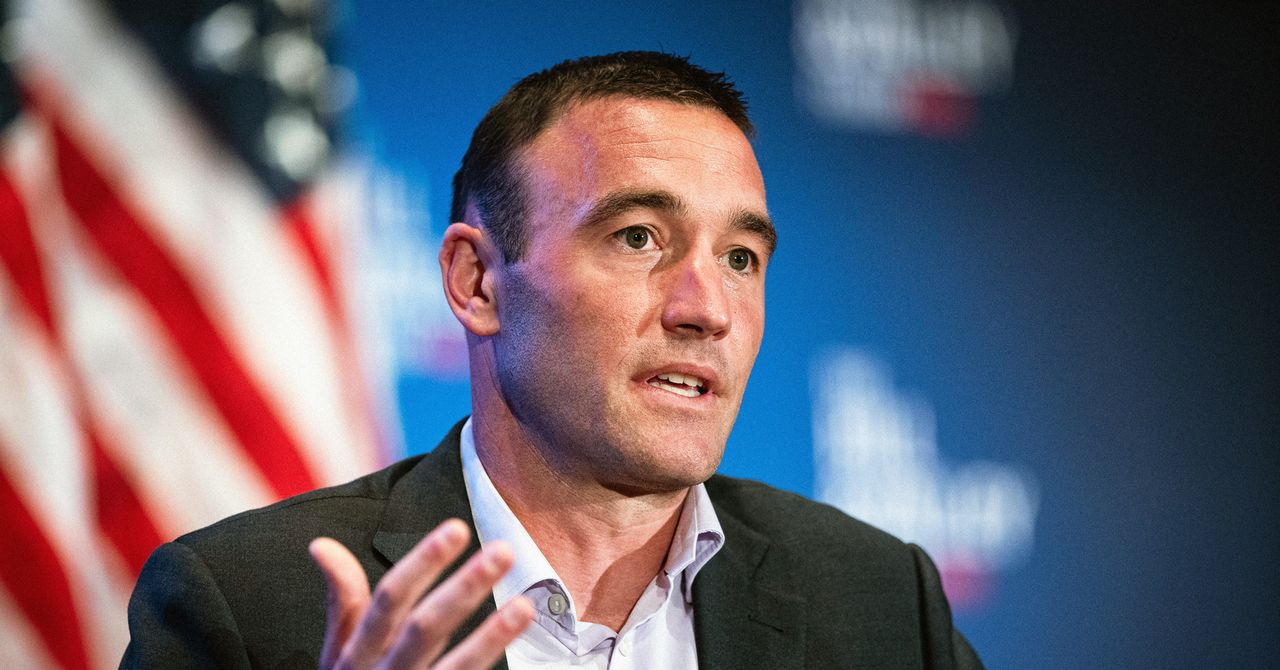
Kevin Weil, OpenAI’s former chief product officer who was recently tapped to build a new AI workspace for scientists, Prism, is leaving the company, WIRED has confirmed. Weil was previously an early executive leading product at Instagram.
OpenAI is also sunsetting Prism, which the company launched as a web app in January this year to give scientists a better way to work with AI. The company is folding the roughly 10-person team behind it into Thibault Sottiaux’s Codex team. An OpenAI spokesperson confirmed the changes, and tells WIRED this is part of the company’s effort to unify its business and product strategy. OpenAI has broader ambitions to turn Codex, its AI coding application, into an “everything app.”
Weil, who joined OpenAI in June 2024, announced last September that he would be starting a new initiative inside of the company called “OpenAI for Science.” Now, OpenAI is dispersing those employees throughout the company’s product, research, and infrastructure teams. An OpenAI spokesperson reiterated the company’s commitment to accelerating scientific discovery, and says it’s one of the clearest ways AI can benefit humanity.
OpenAI is currently trying to refocus the company around a few key areas, such as enterprise offerings and coding. Last month, OpenAI’s CEO of AGI deployment Fidji Simo told staff that the company needs to simplify its product offerings. The push to divert resources to more consequential efforts resulted in OpenAI discontinuing its Sora video-generation app.
This is a developing story. Please check back for updates.


Rs 20,000 crore gold, silver rush: What will people buy this Akshaya Tritiya? – The Times of India

Prince Harry corrects blunder before peace with King Charles suffers again

The cost of rising rents: Working four jobs and pushed on to benefits

-

 Entertainment6 days ago
Palace left in shock as Prince William cancels grand ceremony
-

 Sports6 days ago
The case for Man United’s Fernandes as Premier League’s best
-

 Politics1 week ago
Chinese, Taiwanese will unite, Xi tells Taiwan opposition leader
-

 Entertainment1 week ago
Dua Lipa hits major career high ahead of wedding with Callum Turner
-
 Business1 week ago
100% road tax waiver for electric cars, new rules for 2, 3 and 4 wheelers – what Delhi govt’s draft EV policy says – The Times of India
-
 Business6 days ago
UK could adopt EU single market rules under new legislation
-
 Business1 week ago
The FAA wants gamers to apply for air traffic control jobs
-

 Sports1 week ago
Lamar Jackson hits back at critics with faithful message on social media