

Tech
Protecting your data in the EU means protecting an independent authority | Computer Weekly


The effectiveness of the European data protection framework depends on two essential pillars: robust individual rights and the institutional independence of the authority enforcing them. This principle is laid down in Article 8 of the Charter of Fundamental Rights of the EU, which requires that compliance with data protection rules must be subject to control by an independent authority. Without such independence, the rights laid down by EU law for all citizens cannot be guaranteed.
The requirement of complete independence of the European Data Protection Supervisor (EDPS) is enshrined in Article 55 of the Regulation (EU) 2018/1725, the so-called GDPR for EU institutions. The Court of Justice of the EU has clarified this principle in key rulings including C-518/07 Commission v Germany; C-614/10 Commission v Austria; and C-288/12 Commission v Hungary. These judgments establish that independence entails both freedom from influence external to the oversight authority, whether direct or indirect, and the exclusion of conflict of interests, such as supervising matters previously dealt with as a controlled entity in a different institutional capacity.
Consequently, the appointment procedure must meet the highest standards of transparency and procedural robustness and integrity.
Independence of the EDPS at risk
Current developments in the EDPS selection process raise serious concerns. Under Article 53 of the GDPR for EU institutions, the EU Commission, acting as data controller, leads the pre-selection procedure and proposes a shortlist of candidates. The European Parliament and the Council then appoint the EDPS by common accord. However, concerns have been raised regarding the transparency and impartiality of this procedure.
An open letter signed by renowned academics argues that the pre-selection procedure may have been steered to favour a particular candidate who previously held management positions, serving as Head of Unit for the Commission’s Data Transfers Unit, and senior roles in the Cabinet of the Commissioner for Justice. A formal complaint has been submitted to the European Ombudsman and an investigation is ongoing.
Further irregularities emerged during the European Parliament’s vote. The LIBE Committee in the European Parliament initially voted on four shortlisted candidates, but subsequently held a second vote restricted to two. While the first vote was conducted on an individual MEP basis, the second was carried out based on political group positions. This deviation injects a level of partisanship, which is incompatible with the principle of impartiality.
While these issues may not necessarily render the appointment procedure unlawful, they point to serious procedural shortcomings with potentially significant constitutional implications. What is at stake is public trust, which demands not only formal compliance with the law, but also a higher standard of integrity, impartiality and transparency.
Eligibility criteria must be clear and rigorous, screening for conflicts of interest must be systematic, and the composition of the selection panel must itself be free of political entanglements. Decisions must be published in a timely and accessible manner, enabling public scrutiny. These are constitutional imperatives grounded in the principle of good administration.
Why the EDPS independence matters
The EDPS oversees the processing of personal data by EU institutions and agencies, including Europol, Frontex and the EU Agency for Asylum. These entities are supervised by the EDPS for risks to the rights and freedoms associated with such processing. It is not the factual independence of the EDPS that matters, but also the perception of its autonomy by the public and civil society. This is especially relevant regarding the gaps in the oversight mechanism of EU agencies.
For example, the recently adopted AI Act reinforces the EDPS’s supervisory role under Art. 70(9). It is now responsible for supervising the use of AI systems by institutions such as Europol. The EDPS will assess not only compliance with data protection, but also broader fundamental rights implications. Public confidence in these agencies also depends on the EDPS being perceived as independent and effective in its supervisory role. A lack of perceived independence could weaken the EDPS’s ability to issue impartial opinions on Commission proposals or to scrutinise data processing practices in its agencies.
A call to restore independence
To prevent a drift towards a unitary theory of the executive power and the erosion of constitutional checks and balances and, ultimately the foundation of rights and freedoms in the European Union, the European Parliament must ensure that the selected European Data Protection Supervisor (EDPS) is completely independent. This requires excluding candidates who have held management roles in entities subject to EDPS supervision.
It is highly recommended to reinstate the procedure of voting by individual MEPs rather than by political groups. If necessary, the entire appointment procedure should be restarted.
The EDPS is tasked with providing formal opinions to the Commission on the impact of its legislative proposals on fundamental rights related to privacy and to the protection of personal data. Its independence is vital to ensure impartial legislative advice and scrutiny of future legislative initiatives. Such legislative proposals must be grounded in evidence, informed by in-depth and accurate impact assessments on civil rights, societal and environmental sustainability, and include civil society consultation.
By ensuring the transparency, independence, and accountability of the EDPS appointment process, the EU not only protects fundamental rights, but also reinforces the authority of the EDPS and the legitimacy of the European project. Strong data protection and privacy, democratic oversight and the rule of law are foundational commitments of the Union.
Aída Ponce Del Castillo is a senior researcher at the Foresight Unit at the European Trade Union Institute
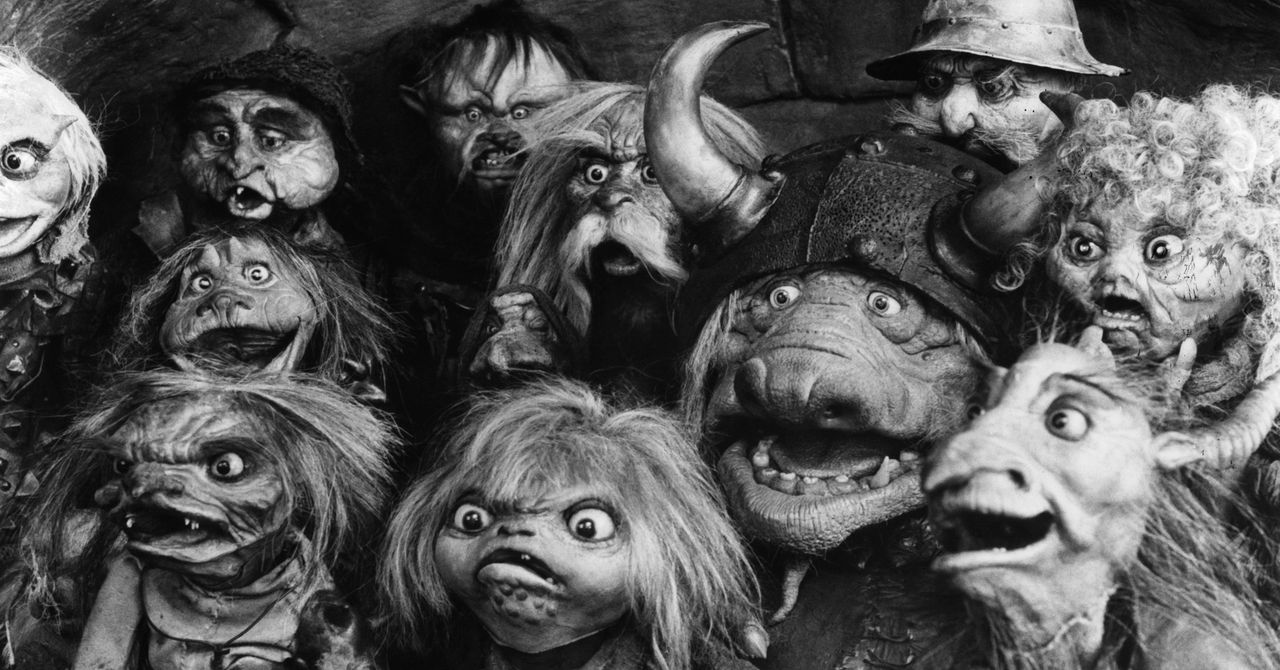
OpenAI has a goblin problem.
Instructions designed to guide the behavior of the company’s latest model as it writes code have been revealed to include a line, repeated several times, that specifically forbids it from randomly mentioning an assortment of mythical and real creatures.
“Never talk about goblins, gremlins, raccoons, trolls, ogres, pigeons, or other animals or creatures unless it is absolutely and unambiguously relevant to the user’s query,” read instructions in Codex CLI, a command-line tool for using AI to generate code.
It is unclear why OpenAI felt compelled to spell this out for Codex—or indeed why its models might want to discuss goblins or pigeons in the first place. The company did not immediately respond to a request for comment.
OpenAI’s newest model, GPT-5.5, was released with enhanced coding skills earlier this month. The company is in a fierce race with rivals, especially Anthropic, to deliver cutting-edge AI, and coding has emerged as a killer capability.
In response to a post on X that highlighted the lines, however, some users claimed that OpenAI’s models occasionally become obsessed with goblins and other creatures when used to power OpenClaw, a tool that lets AI take control of a computer and apps running on it in order to do useful things for users.
“I was wondering why my claw suddenly became a goblin with codex 5.5,” one user wrote on X.
“Been using it a lot lately and it actually can’t stop speaking of bugs as ‘gremlins’ and ‘goblins’ it’s hilarious,” posted another.
The discovery quickly became its own meme, inspiring AI-generated scenes of goblins in data centers, and plug-ins for Codex that put it in a playful “goblin mode.”
AI models like GPT-5.5 are trained to predict the word—or code—that should follow a given prompt. These models have become so good at doing this that they appear to exhibit genuine intelligence. But their probabilistic nature means that they can sometimes behave in surprising ways. A model might become more prone to misbehavior when used with an “agentic harness” like OpenClaw that puts lots of additional instructions into prompts, such as facts stored in long-term memory.
OpenAI acquired OpenClaw in February not long after the tool became a viral hit among AI enthusiasts. OpenClaw can use any AI model to automate useful tasks like answering emails or buying things on the web. Users can select any of various personae for their helper, which shapes its behavior and responses.
OpenAI staffers appeared to acknowledge the prohibition. In response to a post highlighting OpenClaw’s goblin tendencies, Nik Pash, who works on Codex, wrote, “This is indeed one of the reasons.”
Even Sam Altman, OpenAI’s CEO, joined in with the memes, posting a screenshot of a prompt for ChatGPT. It read: “Start training GPT-6, you can have the whole cluster. Extra goblins.”

Elon Musk and Sam Altman appeared in a federal courtroom together for the first time on Tuesday as they fight over OpenAI’s decade-long evolution and what it means for the company’s future.
The trial in Musk’s lawsuit against Altman could result in financial damages and, more significantly, governance changes at OpenAI that may complicate its plans for an initial public offering as soon as this year.
As the first witness on the stand, Musk immediately sought to frame his case as more than just about OpenAI. Siding with Altman “will give license to looting every charity in America” and shake the “entire foundation of charitable giving,” Musk told a panel of nine jurors advising US District Judge Yvonne Gonzalez Rogers on how to rule.
Musk has been concerned about computers becoming smarter than people “since he was a young man in college,” his attorney Steven Molo told jurors. Molo explained that Musk lobbied governments to pass regulations addressing the prospect of so-called artificial general intelligence, including meeting with then-President Barack Obama in 2015. “But the government was not stepping up,” Molo said. “Elon felt he had to do something.”
Around the same time, Musk met with Altman, a then-30-year-old investor “whom he didn’t know very well,” Molo said. They soon launched OpenAI together as a nonprofit. Google’s unchecked progress on AI development had sparked concerns for both OpenAI cofounders, and they wanted to create a competing lab with a greater focus on safety. “My perspective is [OpenAI] exists because Larry Page called me a speciesist for being pro-humanity,” Musk said, referring to the Google cofounder. “What would be the opposite of Google? An open-source nonprofit.”
While Musk believes AI could cure diseases and generate prosperity for humanity, he also told the court that he thinks the technology could veer off into catastrophic scenarios straight out of science fiction. “It could also kill all of us … the Terminator outcome. I think we want to be in a movie … like Star Trek, not a James Cameron movie,” Musk said. (While Musk has long raised alarms about AI safety, his current firm, xAI, has been criticized by researchers at other AI labs for its “reckless” safety culture.)
As OpenAI began notching some of its own successes, Musk and Altman agreed that a for-profit arm with fixed returns for investors was necessary to raise extraordinary sums of money needed to fund hiring and computing, according to Molo. He compared it to a nonprofit museum that receives some proceeds from a for-profit store. “I was not opposed to there being a small for-profit as long as the tail didn’t wag the dog,” Musk said on the stand.
Musk felt that the approach had gone too far when Microsoft, another defendant in the trial, agreed to invest $10 billion in 2023, and OpenAI increasingly moved intellectual property and staff to the for-profit company. “The museum store sold the Picassos so they were locked up where no one could see them,” Molo said.
OpenAI’s Rebuttal
William Savitt, an attorney for OpenAI, told jurors that OpenAI never promised Musk that it would remain a nonprofit and publish all its code. “The evidence here will show what Musk says happened did not happen,” Savitt said.
He added that Musk knew about plans to raise corporate investment exceeding $10 billion as far back as 2018. Musk even raised concerns about Microsoft’s involvement in a 2020 tweet. But he didn’t file a lawsuit until he founded a competitor, xAI, in 2023.
Of all the gay hookup apps Brennan Zubrick uses, Sniffies, a cruising app for men interested in discreet sex-positive casual encounters with other men, is by far his favorite. Some of the most popular kinks among members on the platform include edging, cum play, and BDSM. “I overwhelmingly prefer the experience I get and the community I can access,” he tells WIRED. But Zubrick, who is 40 and based in Washington, DC, has a bad feeling that could soon change.
Tinder and Hinge parent company Match Group announced on Monday an investment of $100 million into Sniffies. The deal gives Match Group a large minority share and the choice to become the sole owner later on. The announcement has set off an intense firestorm of reactions from users who are second-guessing the direction of the company and the longterm sustainability of the app.
“Sniffies has long held its market position as the little guy, catering to a specific section of the gay community, and is somewhere people who might not be comfortable with Grindr—where no face-pic, no-chat culture runs rampant—go to connect with other like-minded people in a more direct and discreet way,” Zubrick tells WIRED.
“This partnership is about supporting that, not redefining it,” Sniffies founder and CEO Blake Gallagher said in a statement, noting that the investment will help the platform focus on three key areas users want: “stronger trust and safety, expansive network growth, and continued product improvements.” According to the agreement, Match Group will offer guidance on the right roles, procedures, and tech to help Sniffies build on its trust and safety efforts.
But users aren’t buying what Gallagher is selling. The Instagram post announcing the news was inundated with negative reactions, as users expressed worry over the strategic partnership. “Please don’t let this be the straightification of sniffies,” expressed one. “You sold out. Plain and simple. Where we moving to next boys?” added Marc Sundstrom, a user in Philadelphia. “Partnering with Match feels very gentrified and straight. Highly concerned about the app being allowed to be what it is in order to court investors,” wrote another. By Tuesday afternoon, comments on the post had been shut off.
Though it remains to be seen how Gallagher will position Sniffies in the months ahead, already users are saying this marks the beginning of the end for the app. “Straight people shouldn’t even know what Sniffies is for fuck sake,” one wrote in the r/askgaybros subreddit. And despite promises, some say a major corporation like Match is not ethically aligned with the indie spirit of Sniffies. On LinkedIn, the top comment under Gallagher’s post questioned the real intent behind Match Group’s investment. “Interested to see how ties to Palantir affect Sniffies’ growth. Hopefully this doesn’t become a surveillance application.”
Spencer Rascoff, who became CEO of Match Group in 2025, previously served on the board of Palantir, the defense tech and data mining company that has become a “technological backbone” of the Trump administration.
Sniffies maintains that it will continue to own and control how its user data is stored, handled, and protected. According to the company, there are no changes planned to its data practices as part of the investment.
But the outrage underscores the significance of platforms like Sniffies and what it would mean to a community of people who already feel like they have so few quality options for seeking desire online.
“It’s a mess and obviously to be expected. It’s definitely an indicator of its fast rise, so no shade, but we saw what happened with Grindr,” says Brad Allen, a 34-year-old event producer and the creator behind Club Quarantine, who joined Sniffies in 2023. “I really am pulling for them to somehow navigate this differently since it’s essential to the cruising community now. Hopefully the pop-up Candy Crush ads don’t light up too much in the bushes.”


Prince Harry sets ‘non-negotiable’ condition for Meghan in UK plans

VGRC in India’s Gujarat to attract FDI into Surat’s textile sector

Ganga Expressway inaugurated by PM Modi: UP’s longest expressway between Meerut & Prayagraj; check travel time, route, speed limit – top facts & images – The Times of India

-

 Politics1 week ago
UK’s Starmer seeks to deflect blame over Mandelson appointment
-
 Business1 week ago
How Trump’s psychedelics executive order could unlock stalled cannabis reform
-

 Entertainment1 week ago
Lee Anderson, Zarah Sultana kicked out of UK Parliament for calling PM ‘liar’
-
 Business1 week ago
Us-India Trade Talks: US–India trade deal: Where do talks stand & what to expect – explained – The Times of India
-

 Fashion1 week ago
India, US to resume BTA talks today
-

 Tech1 week ago
A Humanoid Robot Set a Half-Marathon Record in China
-
 Business1 week ago
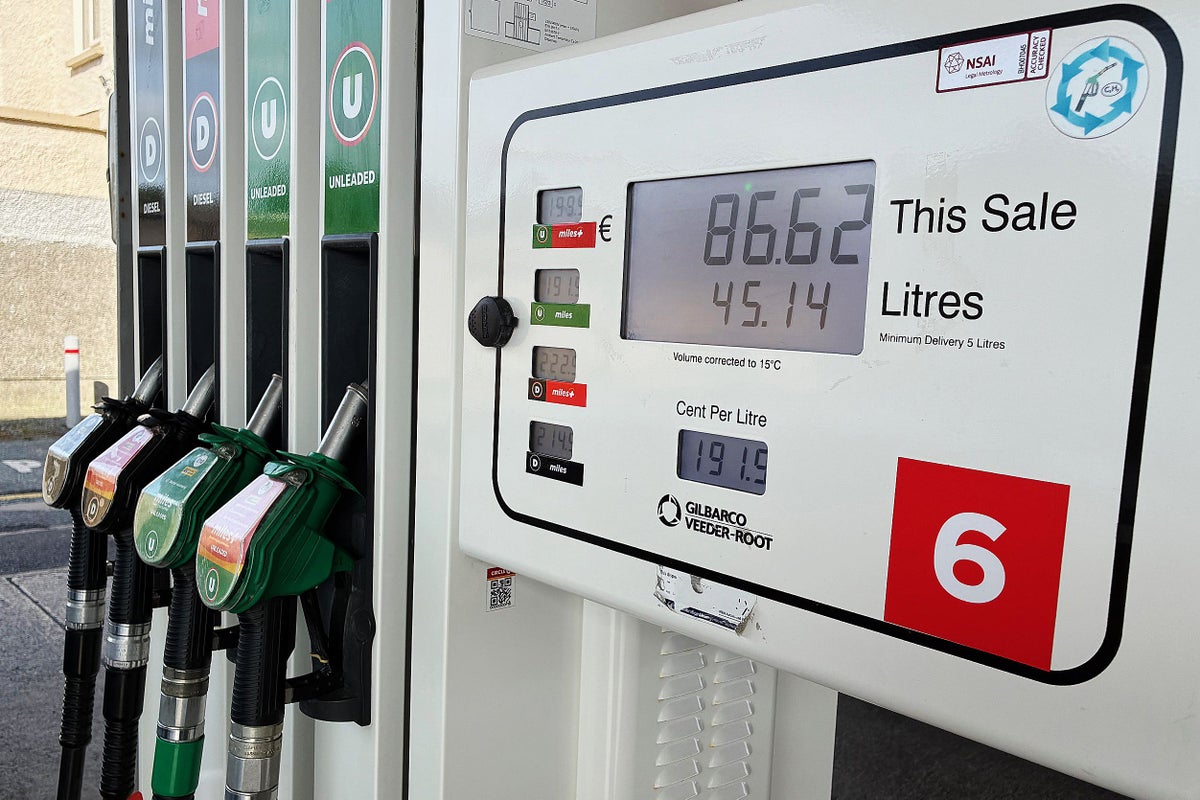
UK inflation accelerates after Iran war drives sharp rise in fuel prices
-

 Fashion1 week ago
Global energy growth slows to 1.3% in 2025: Report