

Tech
Radiation-Detection Systems Are Quietly Running in the Background All Around You


Most people are not aware of how much radiation monitoring goes on around them all the time, including in public places. Airports have sophisticated radiation detectors, for example. In 2022, devices at Heathrow flagged a package that turned out to contain a small amount of uranium. There was no risk to the public, authorities said at the time.
Mirion is one of several companies that make radiation detectors. Their products are used for defense and security applications, as well as in nuclear power plants, laboratories, and research contexts. “If there’s an incident in a nuclear plant like a fuel leak…these systems are connected to the safety system of the nuclear plant, so the nuclear plant will shut down,” explains James Cocks, chief technology officer. Area monitors suck particulate emitted by power plants onto filter paper, which can be analyzed to see whether or not there has been an uncontrolled release of radiation.
The company even makes a radiation detector designed to fit to the underside of a drone. Cocks says that, in the immediate aftermath of Fukushima, such was the need to collect data on radiation that someone drove around on a motorbike with a radiation detector. Drones would, today, offer a safer way of gathering such information, he suggests.
But Mirion also makes handheld detectors that can be carried by personnel keeping an eye on major sports events, for example. And these can distinguish between different types of radiation. You want to be able to tell, for example, whether your higher-than-normal readings are coming from a dirty bomb—or just someone who recently had medical treatment involving a radioisotope. “We can identify whether it’s background, naturally occurring radiation…whether it’s a medical radioisotope or whether it’s…a fission product,” says Cocks.
And so one legacy of the Chernobyl and Fukushima disasters is that we now have hugely upgraded radiation-monitoring systems dotted around the world. There has been a marked increase in efforts to track radiation in the wake of those accidents, says Kearfott.
Bonner acknowledges that some people experience anxiety regarding radiation—now and again, a volunteer would build a Safecast detector, switch it on and “freak out” when it began detecting activity, he says. However, it is important to show how pervasive, and variable, background radiation really is, he says: “We absolutely believe that it’s reassuring to let people know what’s going on.”












For the last year and a half, two hacked white Tesla Model 3 sedans each loaded with five extra cameras and one palm-sized supercomputer have quietly cruised around San Francisco. In a city and era swarming with questions about the capabilities and limits of artificial intelligence, the startup behind the modified Teslas is trying to answer what amounts to a simple question: How quickly can a company build autonomous vehicle software today?
The startup, which is making its activities public for the first time today, is called HyprLabs. Its 17-person team (just eight of them full-time) is divided between Paris and San Francisco, and the company is helmed by an autonomous vehicle company veteran, Zoox cofounder Tim Kentley-Klay, who suddenly exited the now Amazon-owned firm in 2018. Hypr has taken in relatively little funding, $5.5 million since 2022, but its ambitions are wide-ranging. Eventually, it plans to build and operate its own robots. “Think of the love child of R2-D2 and Sonic the Hedgehog,” Kentley-Klay says. “It’s going to define a new category that doesn’t currently exist.”
For now, though, the startup is announcing its software product called Hyprdrive, which it bills as a leap forward in how engineers train vehicles to pilot themselves. These sorts of leaps are all over the robotics space, thanks to advances in machine learning that promise to bring down the cost of training autonomous vehicle software, and the amount of human labor involved. This training evolution has brought new movement to a space that for years suffered through a “trough of disillusionment,” as tech builders failed to meet their own deadlines to operate robots in public spaces. Now, robotaxis pick up paying passengers in more and more cities, and automakers make newly ambitious promises about bringing self-driving to customers’ personal cars.
But using a small, agile, and cheap team to get from “driving pretty well” to “driving much more safely than a human” is its own long hurdle. “I can’t say to you, hand on heart, that this will work,” Kentley-Klay says. “But what we’ve built is a really solid signal. It just needs to be scaled up.”
Old Tech, New Tricks
HyprLabs’ software training technique is a departure from other robotics’ startups approaches to teaching their systems to drive themselves.
First, some background: For years, the big battle in autonomous vehicles seemed to be between those who used just cameras to train their software—Tesla!—and those who depended on other sensors, too—Waymo, Cruise!—including once-expensive lidar and radar. But below the surface, larger philosophical differences churned.
Camera-only adherents like Tesla wanted to save money while scheming to launch a gigantic fleet of robots; for a decade, CEO Elon Musk’s plan has been to suddenly switch all of his customers’ cars to self-driving ones with the push of a software update. The upside was that these companies had lots and lots of data, as their not-yet self-driving cars collected images wherever they drove. This information got fed into what’s called an “end-to-end” machine learning model through reinforcement. The system takes in images—a bike—and spits out driving commands—move the steering wheel to the left and go easy on the acceleration to avoid hitting it. “It’s like training a dog,” says Philip Koopman, an autonomous vehicle software and safety researcher at Carnegie Mellon University. “At the end, you say, ‘Bad dog,” or ‘Good dog.’”
Most Versatile
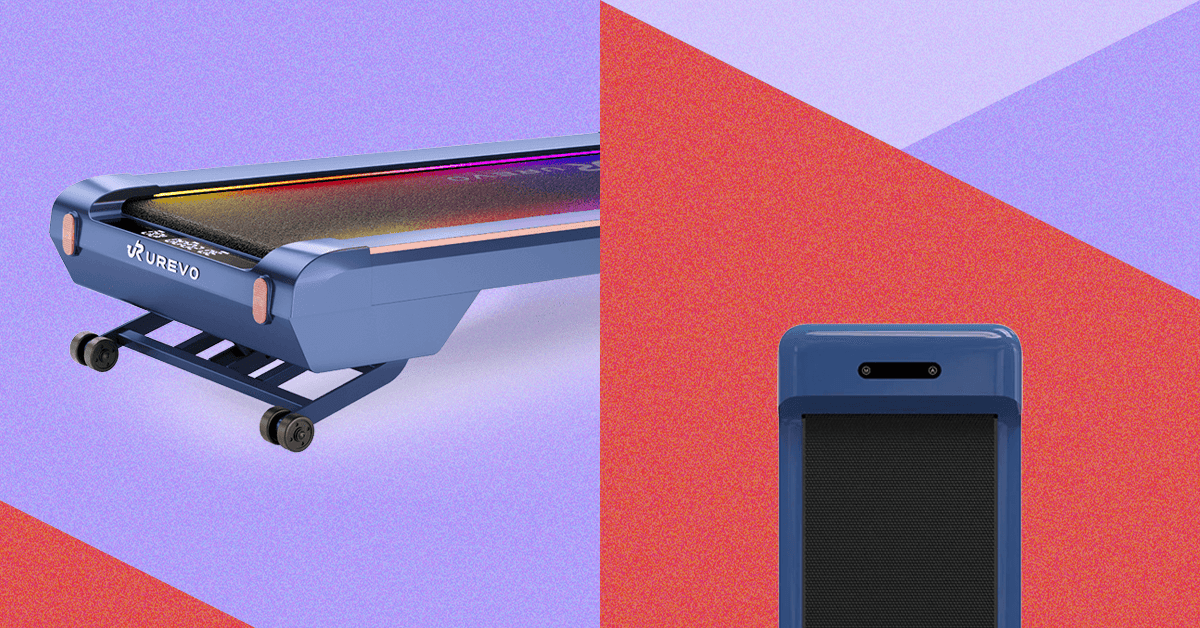
If you’re not keen on buying a standing desk, check out the Lifesmart 3-in-1 Treadmill. You can wheel the lightweight machine into any room, place the desk attachment across the handrail, and get to working and walking. The desk’s height won’t accommodate everyone—it was lower than I’d like, and I’m 5’4”. But for quick, basic work like answering emails or sitting in on a meeting, it got the job done just fine.
The 3-in-1 Treadmill gets its name from its ability to serve as a walking pad (with the rail down, the speed tops out at 3.7 mph), a treadmill (with the rail up, you can run up to 7.5 mph), and a workstation (with the rail up and desk attachment on).
It’s easy to set up, and transitioning between the walking pad, treadmill, and work modes is quick and simple (you just need to use a small tool to adjust the rail, which is magnetized so it can live on the rail and never get lost in a junk drawer). You can adjust the speed with buttons on the rails or with a Bluetooth remote, and a screen on the front of the machine cycles through your workout metrics. The sleek, modern design means you won’t be embarrassed to have it out in your living space. The only drawback is that it doesn’t have any incline options.
Quietest Pad
-
Photograph: Kristin Canning
-
Photograph: Kristin Canning


Flexispot
Auto Incline Walking Treadmill
This walking pad had the most intuitive setup of any on this list (likely thanks to its lack of a companion app, which oftentimes isn’t really necessary). I was able to set it up in minutes, and the remote connected right away, no Bluetooth pairing required. Like many walking pads, this one has a screen at the front that shows you your workout metrics. If you pause the machine to step off, you can pick right back up where you started, building on those metrics until you turn the machine off. One downside: It doesn’t track steps.
The Auto Incline Walking Treadmill offers a great incline range, going up to a level nine, or 12-percent incline. It’s one of the highest incline capabilities I’ve found in my testing. You can walk up to 4 mph on this machine, and you can connect your phone to play music through the speakers. The remote allows you to take on 30-minute, preprogrammed walking workouts, too, where the machine auto-adjusts the speed throughout (though not the incline). Otherwise, you can use it in manual mode and adjust the settings to your liking.
FAQs
We asked Joshua Hale, general manager of commuter bike specialists Quella, to answer all our questions on how to get your bike ready for winter and keep it running smoothly all year long.
How can cyclists stay visible to drivers without turning into a rolling Christmas tree?
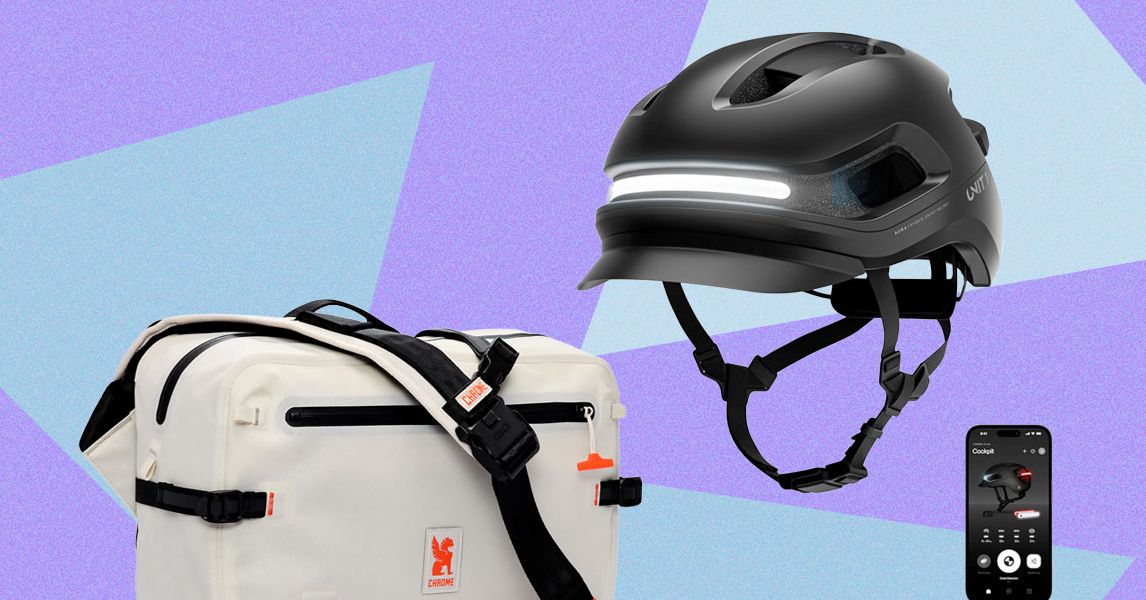
It is not just the quantity of lights that’s important. Placement also makes a huge difference. A bright front and rear light are essential—ideally one steady and one flashing—to help you stand out without dazzling anyone on the road. Reflective details on moving parts like your jacket, ankles, or pedals also catch drivers’ eyes naturally. Good quality lights and reflective accents do a lot more than overloading on LEDs.
What’s the smartest way to layer clothing for warmth without overheating?
Layer clothing with breathability in mind. Start with a moisture-wicking base layer to keep sweat off your skin, add an insulating layer like a fleece or thermal jersey, and finish with a windproof or waterproof shell. You’ll warm up fast once you’re moving, so it’s better to start slightly cool. Zips and vents that can be opened on uphill climbs and closed on descents will come in handy. Other lightweight accessories such as gloves, a buff, and overshoes can also increase your comfort without adding bulk.
How can you adjust your tire size or pressure to ride safely on wet or icy roads?
In winter, opt for wider tires with a grippier tread—28 mm or more, if your bike allows it. The extra width increases contact with the road, giving better stability and traction. Lowering your pressure slightly (by around 10–15 psi) also improves grip on slippery surfaces without feeling sluggish. Avoid slick tires when it’s icy, and check your tires regularly, as wet roads pick up more glass and grit.
What are the easiest and most effective upgrades for commuters?
Mudguards are top of the list. They keep both you and your bike cleaner and drier. Good-quality lights with USB charging make daily use simpler, and winter-specific gloves can save your fingers on frosty mornings. Wider handlebars and padded bar tape also add comfort when the roads get rough. It’s all about small upgrades that make you want to keep riding, even when it’s cold and dark.
Why does your bike need more maintenance in the winter, and what quick maintenance tips can you suggest?
Winter is tough on bikes, with grit, salt, and moisture working their way into every moving part. Regular cleaning is the single best thing you can do, even if it’s just a quick rinse and wipe-down after wet rides. Keep your chain clean and lightly oiled, check brake pads more often, and make sure cables or hydraulic lines aren’t sticking. A few minutes of care each week prevents costly repairs later, and your bike will feel smoother and quieter every ride.


This Startup Wants to Build Self-Driving Car Software—Super Fast
India’s Rail Electrification Drive Crosses 99% Of Total Network

China’s central bank to conduct $85-bn outright reverse repo operation

-

 Politics1 week ago
Thailand launches air strikes against Cambodian military: army
-

 Fashion1 week ago
Germany’s LuxExperience appoints Francis Belin as new CEO of Mytheresa
-

 Politics1 week ago
Zelenskiy says Ukraine’s peace talks with US constructive but not easy
-
 Politics4 days ago
Trump launches gold card programme for expedited visas with a $1m price tag
-

 Politics1 week ago
17 found dead in migrant vessel off Crete: coastguard
-

 Tech6 days ago
Jennifer Lewis ScD ’91: “Can we make tissues that are made from you, for you?”
-
 Business5 days ago
Rivian turns to AI, autonomy to woo investors as EV sales stall
-

 Entertainment1 week ago
Too big to fail? IndiGo crisis exposes risks in Indian aviation